Trim and level with a pinch
Pinch sideways to trim and drag the edges to fine-tune. Pinch up and down to set the volume. No menus, no sliders.
Trim. Rename. Share.
The fastest way to record lots of sounds on iPhone. Record something, pinch to trim it, give it a name, and do it again. Then send them all at once.
Free to try · One-time unlock · No ads · No account
How it works
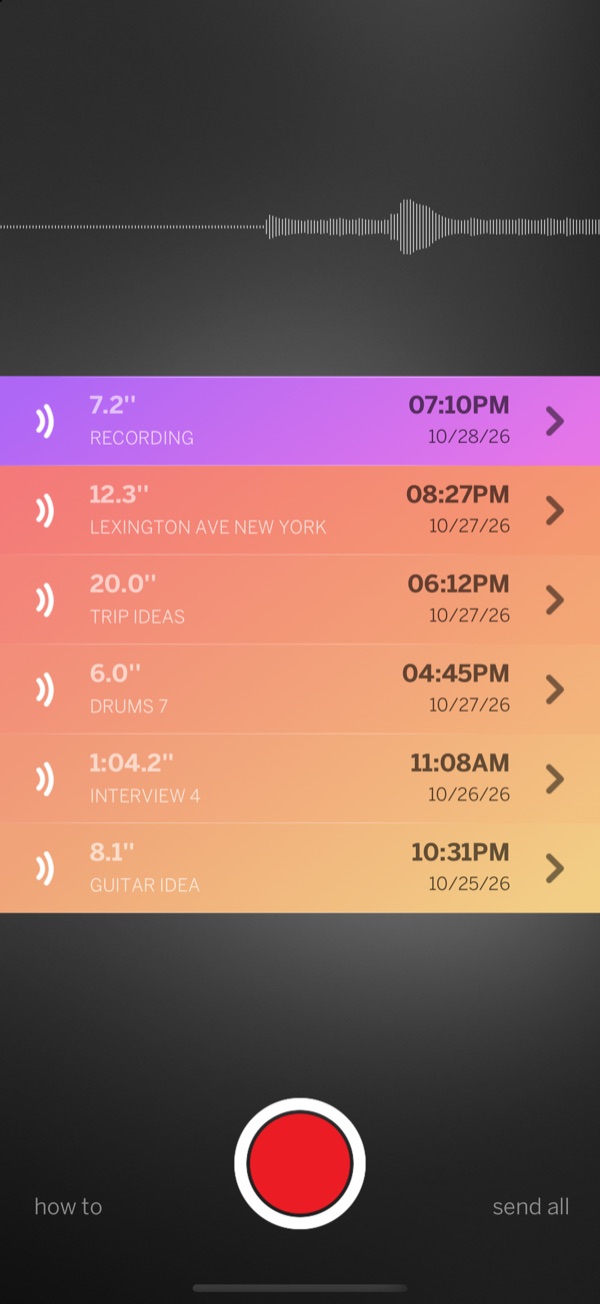
Many Sounds does one thing and does it fast: recording lots of sounds, one after another, without ever leaving the main screen.
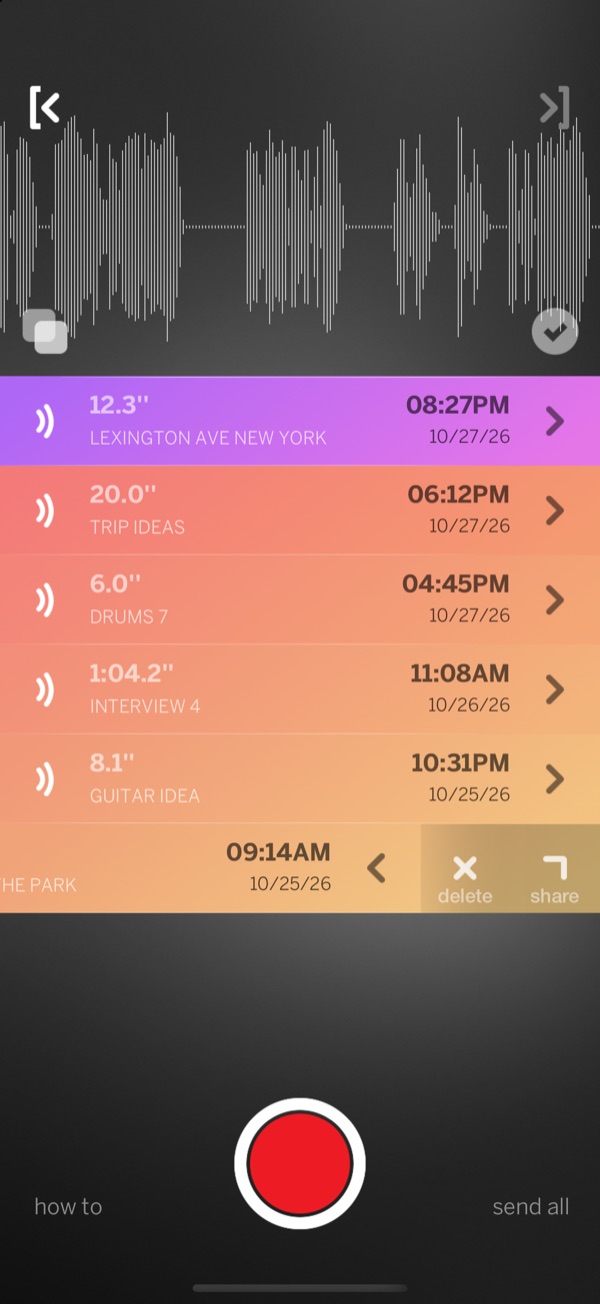
Tap the big red button to start and tap it again to stop. The new sound lands at the top of the list.
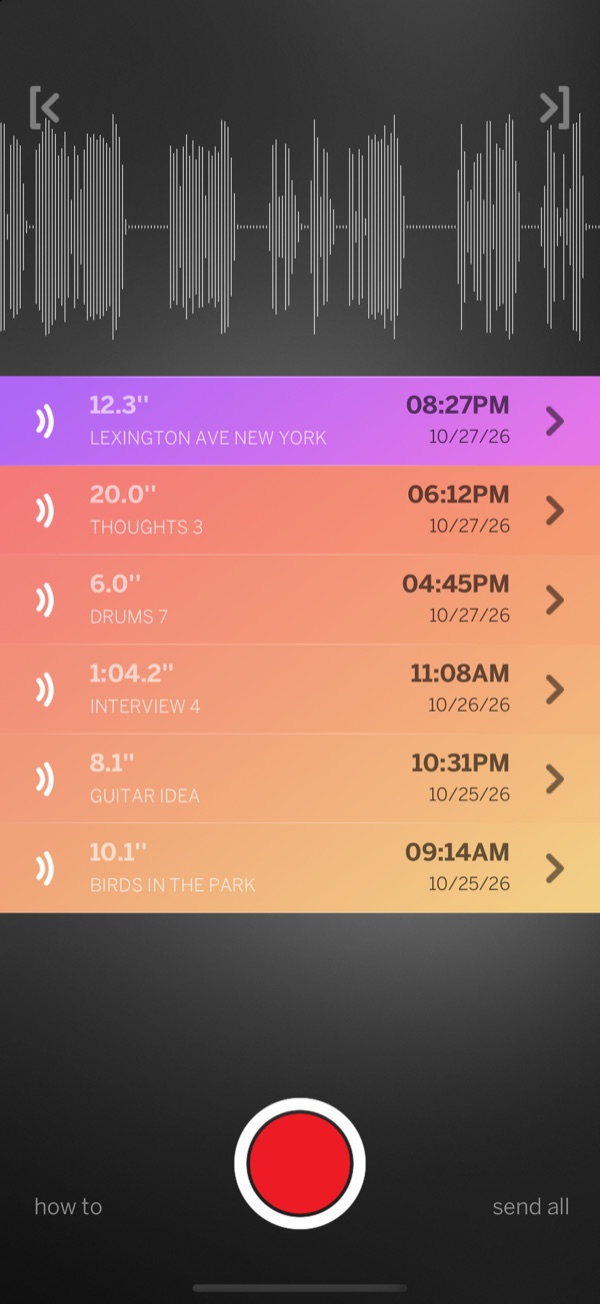
Pinch the waveform sideways: what stays on screen is what you keep. Pinch up and down to make it louder or softer.
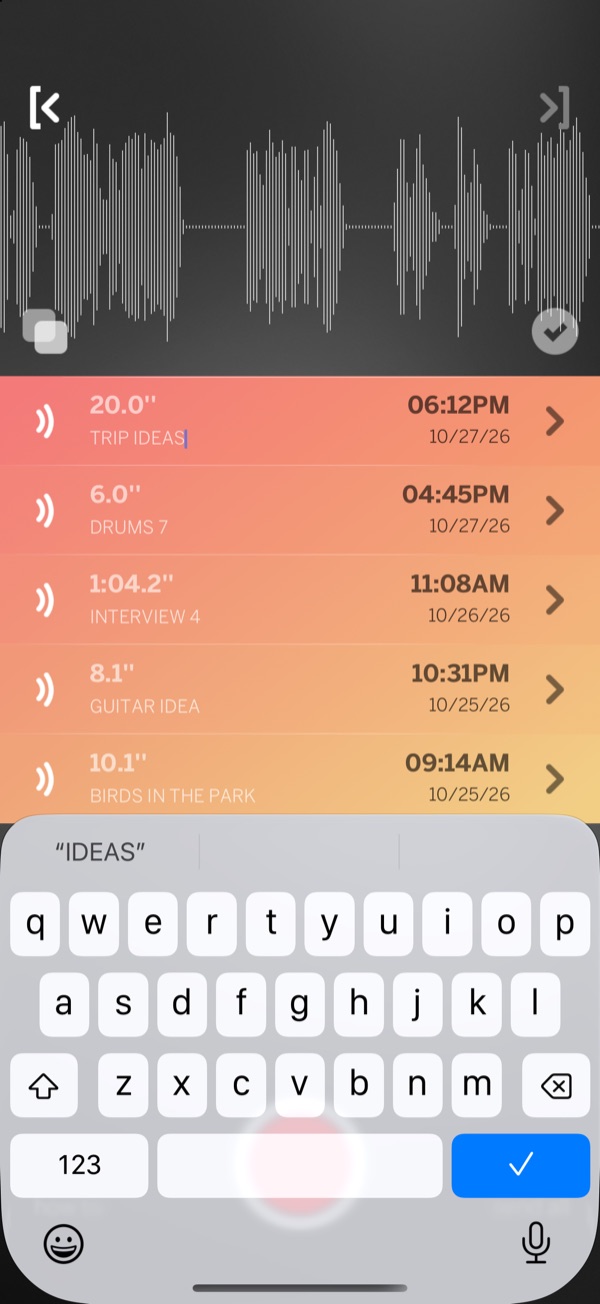
Tap the name to type a new one, or keep the place name it got on its own.
Repeat many many times.
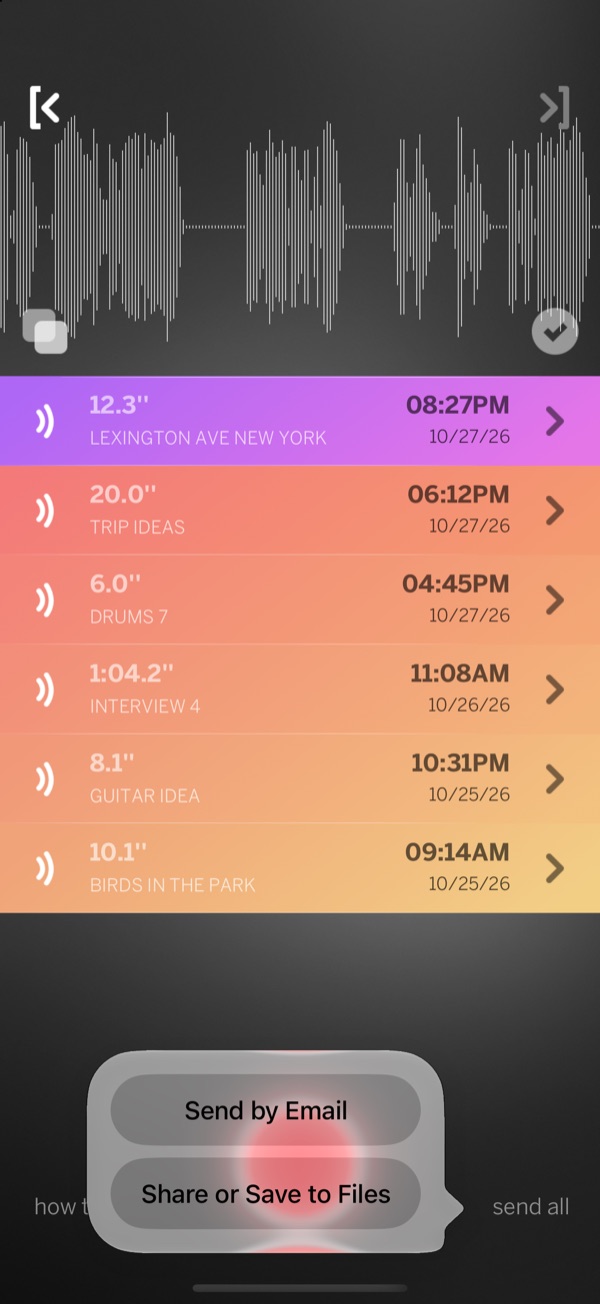
Then send them all at once.
Features
Pinch sideways to trim and drag the edges to fine-tune. Pinch up and down to set the volume. No menus, no sliders.
Record, play, trim, rename and share from the same screen. There is nothing to navigate.
Export every sound in one go or one by one: by email, to Files, with AirDrop or to any app.
Allow location and new recordings are named after where you made them, like LEXINGTON AVE NEW YORK.
Shared files keep the names you gave them, so there is no renaming files later.
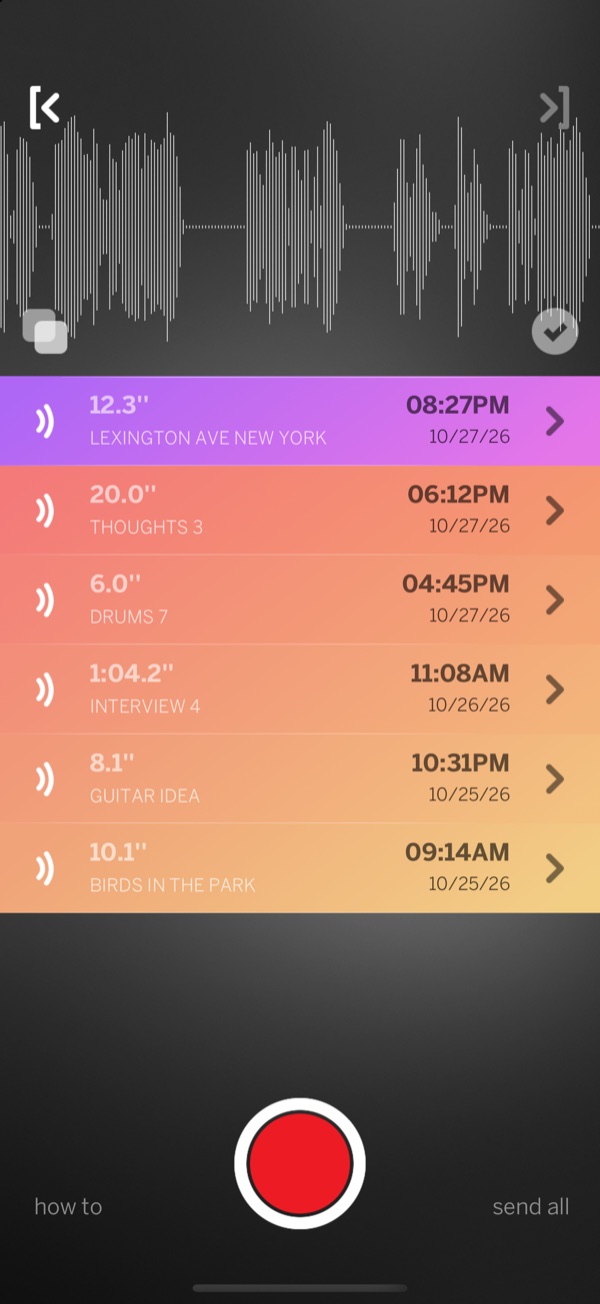
Trim a part and save it as a copy, then trim the next part. One long take becomes many small sound files.
A closer look
Good for
Footsteps, doors, the kettle, a crowd. Collect them for videos, games and music, each one trimmed and named.
A riff, a melody, a beat on the table. Catch it before it's gone, then send it to your music app.
Record each answer as its own clip, so the good parts are easy to find and share.
Keep the parts that matter as short, named sounds instead of one long file.
Birds in the park, rain, city streets. Each sound is named after the place you heard it.
Ideas, to-dos and reminders, one quick sound each.
Record words and phrases, play them back and compare your pronunciation.
First words, songs and bedtime stories, each one kept and named.
Price
The free version lets you edit up to 6 sounds at a time. Unlock unlimited sounds with a one-time in-app purchase.
Privacy
Recordings stay on your iPhone until you choose to share them.
For iPhone. Requires iOS 15 or later.