A story or a picture
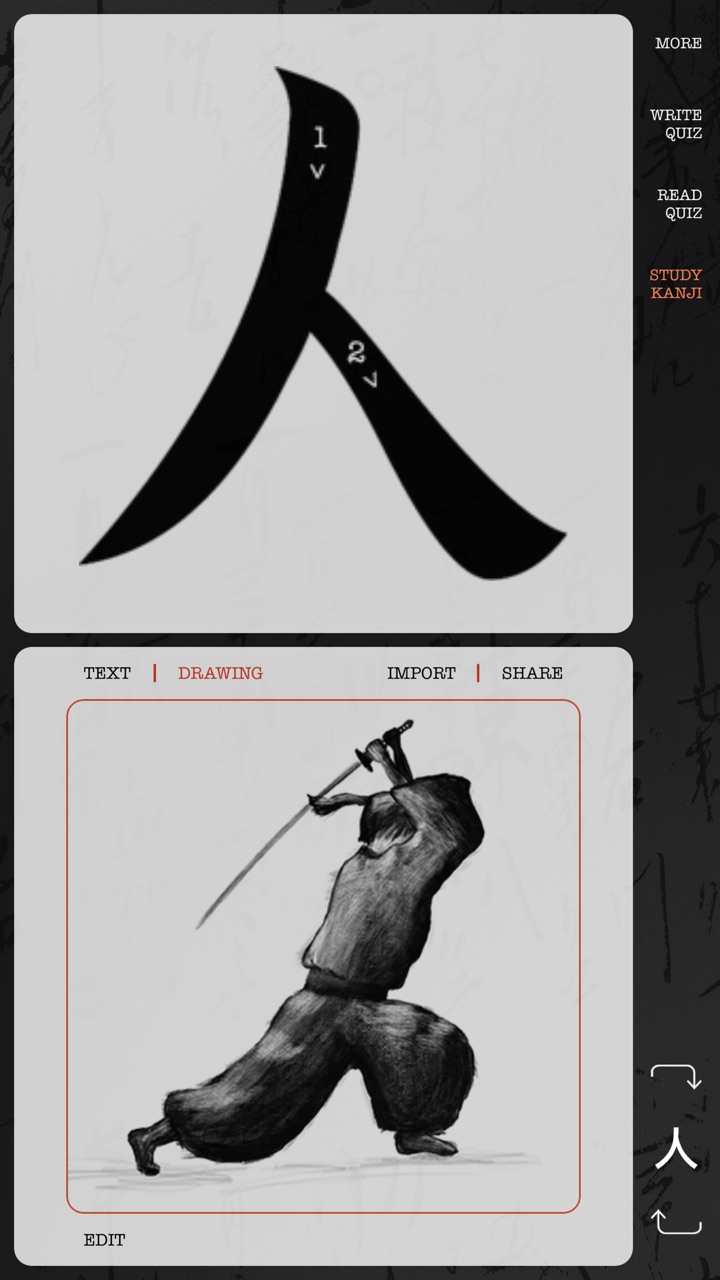
Write a note or draw a picture for every kanji. Snap a photo, import an image, or borrow a drawing someone in the community shared.
For iPhone & iPad · Free on the App Store
From your very first kanji all the way to reading a Japanese newspaper. Kanji Draw covers every kanji taught in Japanese schools and every JLPT level from N5 to N1: the 3,000 most used kanji, with pictures, sounds and your own handwriting.
How you remember a kanji
Write a note or draw a picture for every kanji. Snap a photo, import an image, or borrow a drawing someone in the community shared.
Japanese audio for every reading and every example word. Tap a word and hear it spoken.
Write the kanji again and again with your finger: first over a guide showing the stroke order, then on your own.
How it works
Focus on one kanji at a time. Tap it to see the stroke order, then write something that will help you remember it, or draw it a picture.
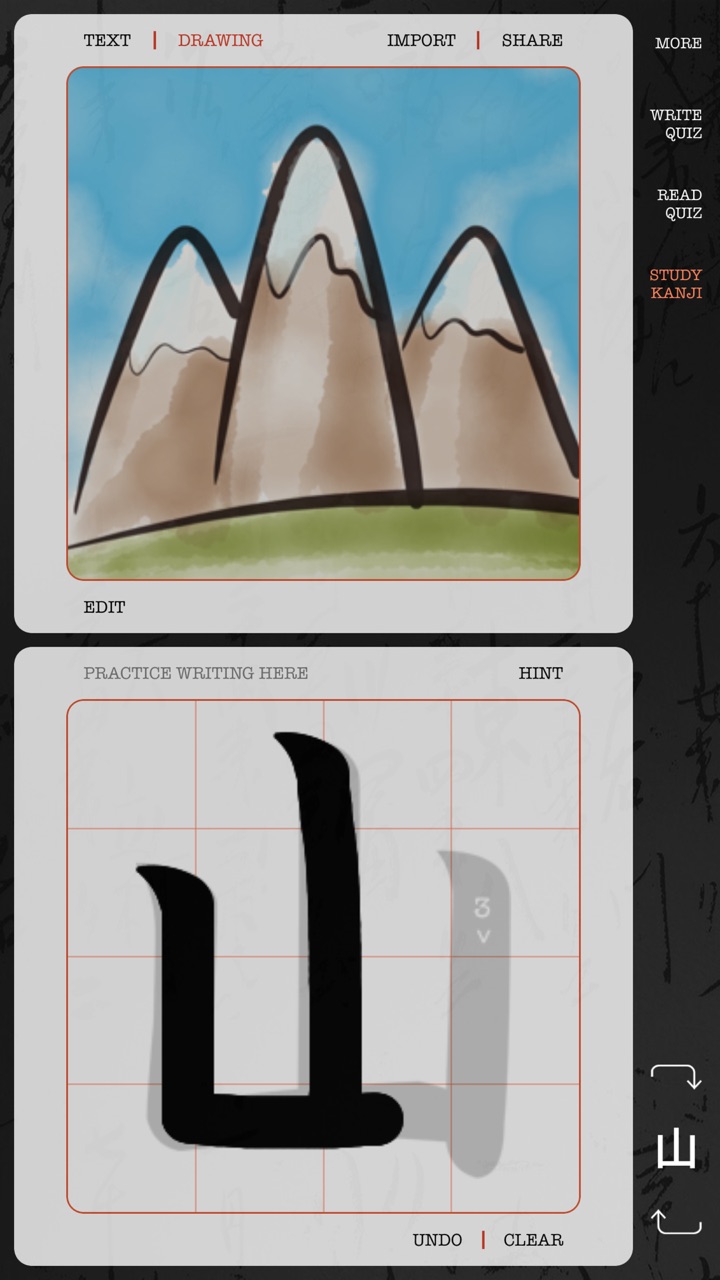
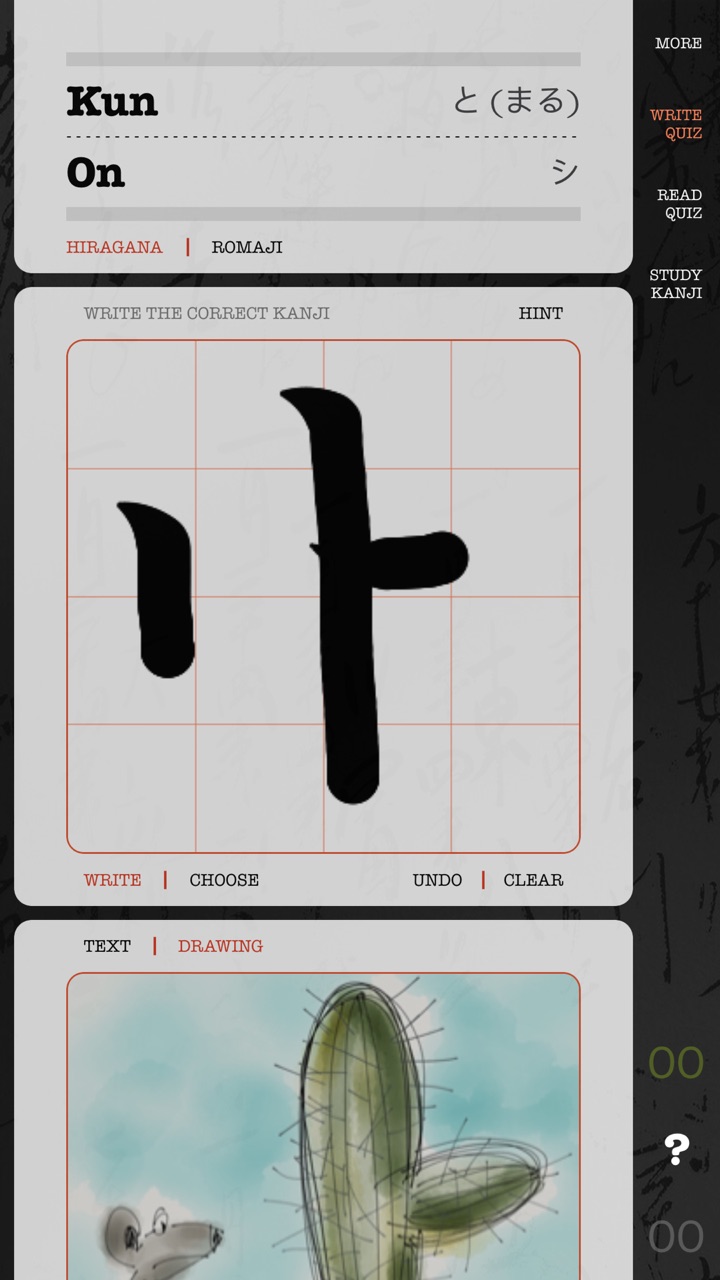
You get the reading and the meaning; you write the kanji with your finger. Start on top of a guide that shows the stroke order and direction. When you’re ready, hide the hint and you’re on your own.
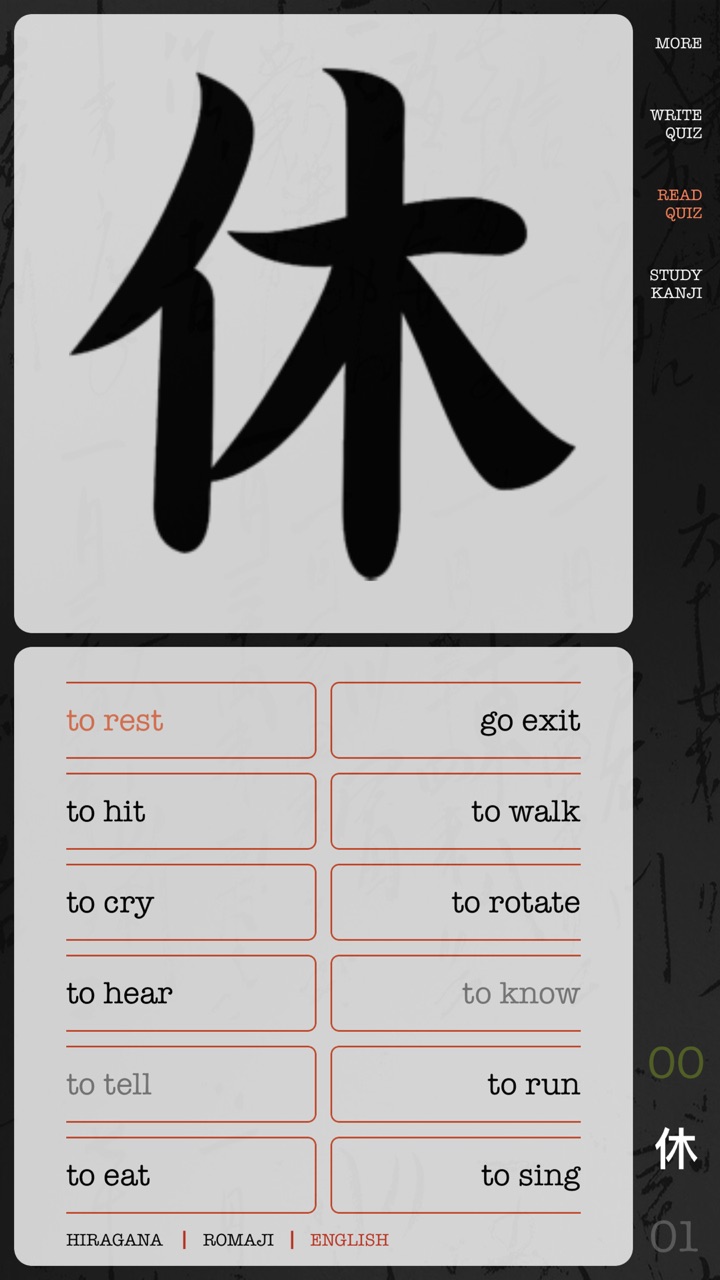
Now the other way around: the kanji is on the card, and you pick what it means.
Tip: practice about 10 kanji at a time.
Kanji Draw for iPad
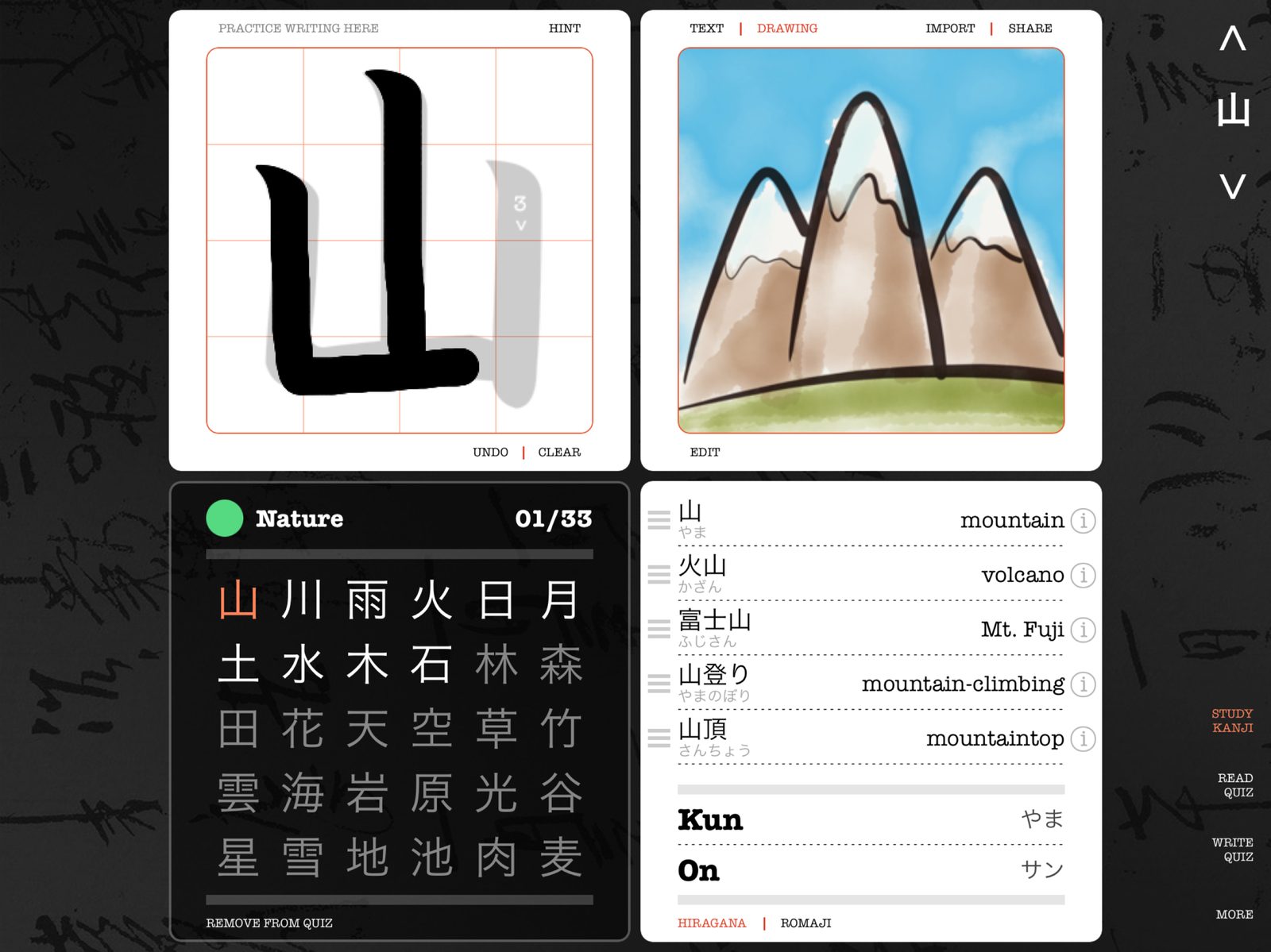
Kanji Draw is one app for iPhone and iPad. On iPad, the practice sheet, your drawing, the lesson and its words sit side by side, with plenty of room to write.
What’s inside
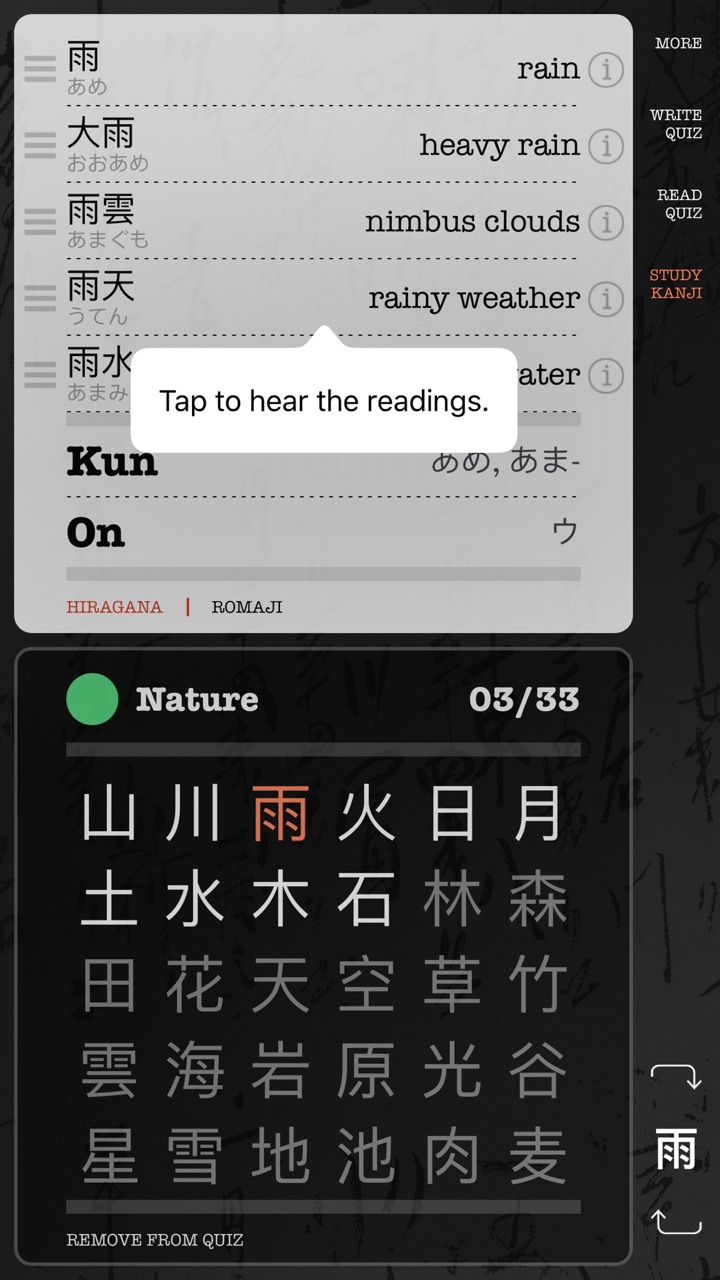
Lessons hold hundreds of kanji each, but you set the pace: turn on just the kanji you want to study, add more little by little, and watch your collection grow.
Kanji Draw started with 333 kanji. Today it has 3,000, and every update has been free for everyone who unlocked the lessons. That’s a promise we keep.
